
How to install Windows 10 without any CD/DVD/USB Pendrive!
Many times we don,t have any type of windows usb/CD/DVD so we can't make any dual boot or install windows in a new pc.
But this is a wrong thought. on the matter of windows and windows dual booting.
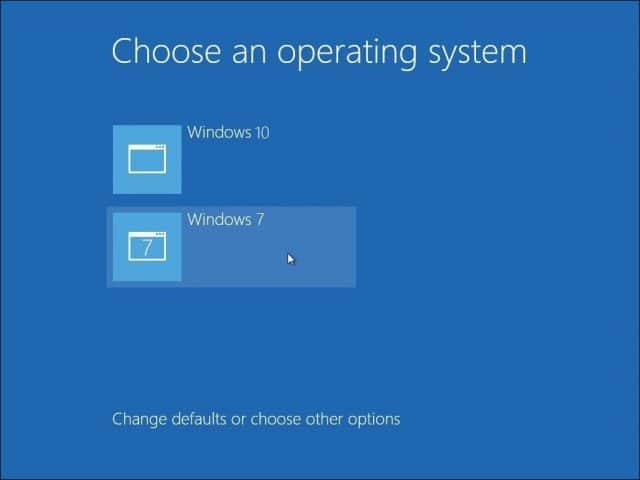
If you have got any .iso file of windows. So you are lucky! To make a dual boot like below:
So, firstly You need to make a partition for another version of windows.
Follow the steps below:
1. Double click on the windows ISO file to mount it.
2. Go to Sources folder.
3. Search for the "setup.exe" file & open it.
4. Then continue the windows installation process.


No comments